

For clinics and helpers
Send complete cases. See reports only when allowed.
A helper prepares and sends the case. The radiologist reports and finalizes. What the helper may see afterwards is the radiologist's decision.
The helper workflow
Helper
Prepares and sends
- Registers or adds the patient
- Enters patient information
- Adds clinical history
- Uploads permitted history documents (PDF, JPEG, PNG)
- Marks the case urgent when it is
- Sends the case to the radiologist
Radiologist
Receives, reports, finalizes
- Receives the case in the worklist
- Reads history and attached documents
- Writes and finalizes the report
Finalized reports: permission-controlled
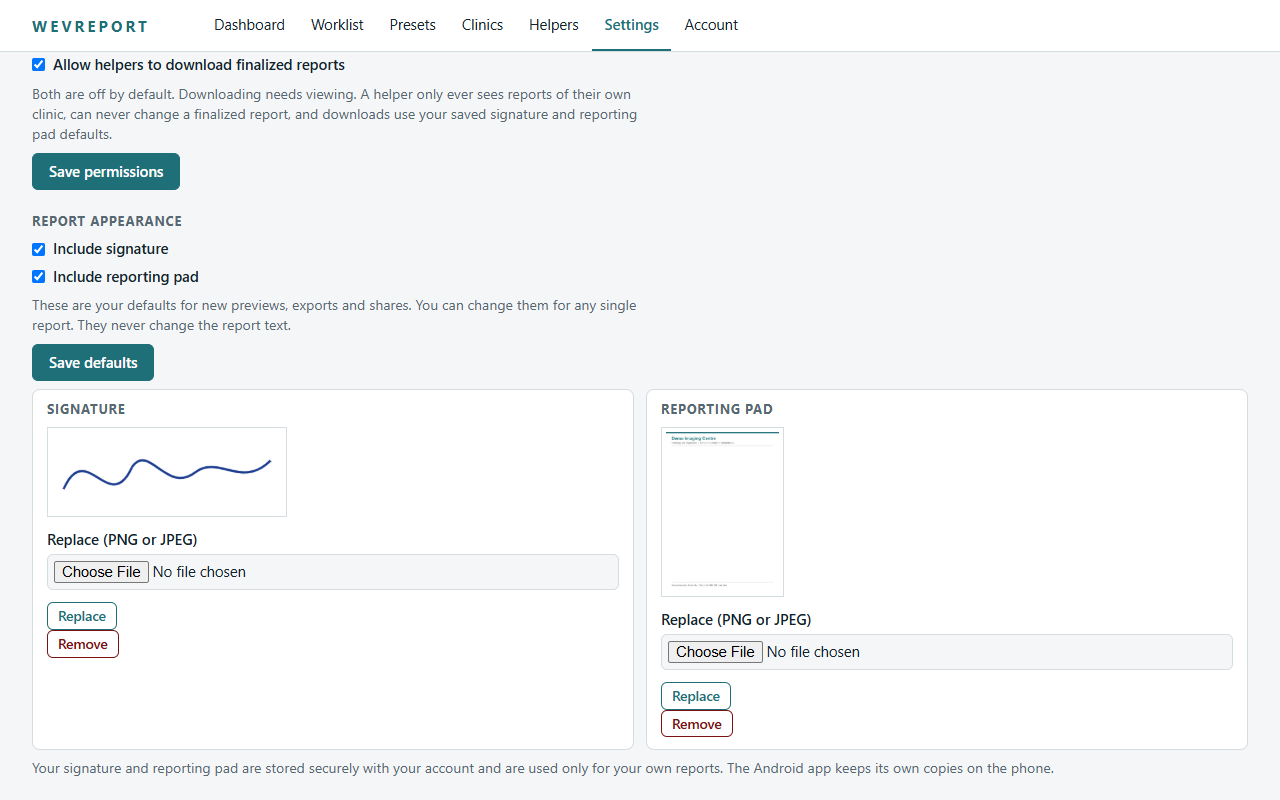
Helper access to a finalized report depends on two switches the radiologist controls.
| Radiologist setting | What the helper can do |
|---|---|
| View off (default) | No report text and no PDF. |
| View on, Download off | Read the finalized report. No PDF download. |
| View on, Download on | Read the finalized report and download its PDF. |
Helpers can only reach their own clinic's cases, and can never edit a finalized report, its signature, clinic pad or appearance.
Good to know
- Patient details can be corrected by the sender only while the case is waiting.
- History documents are added or removed while the case is waiting, up to 8 MB per file and 8 files per case.
- Documents stay attached to the case; they are never inserted into the report or the final PDF.
- A helper account is created and managed by the radiologist.